
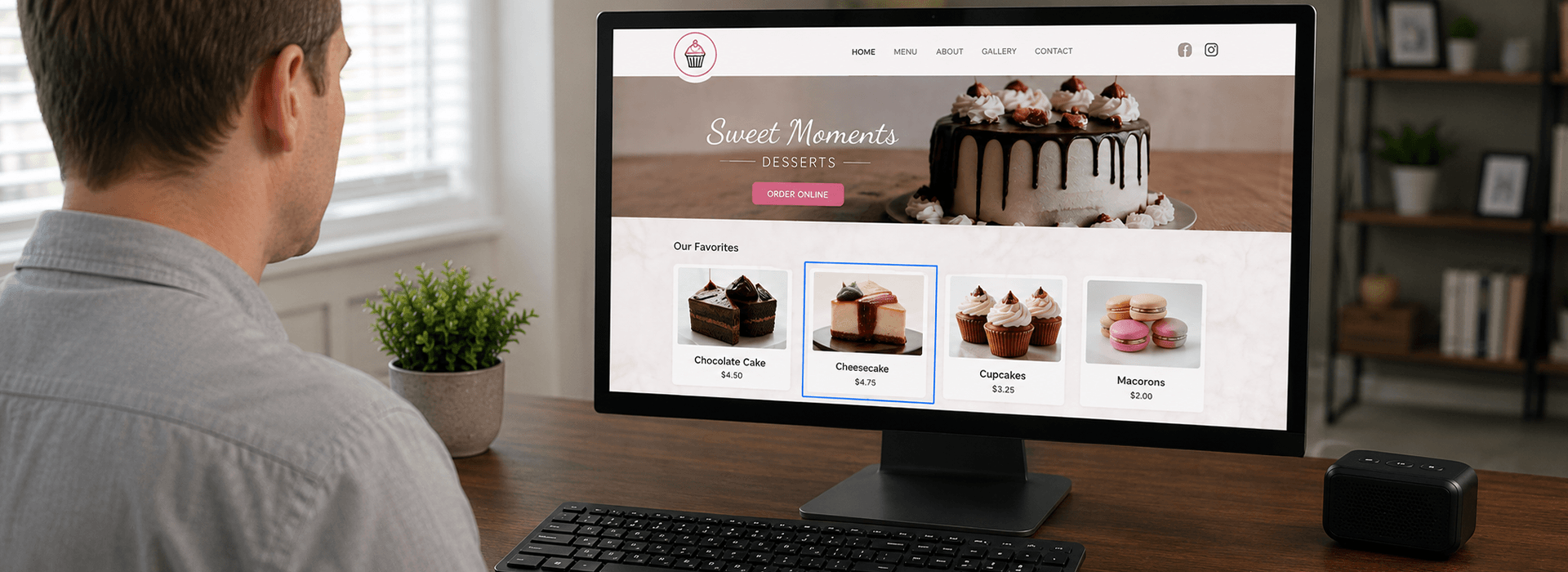
About Website Accessibility
Website accessibility means creating and maintaining a website so that people with different abilities can access its information, understand its content, navigate its pages, and use its features.
This includes people who browse websites using a keyboard, screen reader, voice-control software, screen magnification, captions, or other assistive technologies. It also includes visitors who may have difficulty seeing, hearing, moving, reading, concentrating, or processing information. Accessibility is not about creating a separate website for people with disabilities. It is about making the same website work for as many people as reasonably possible.
Benefits Of An Accessible Website
Help more people access your products and services Improve the experience for all visitors Remove barriers that may prevent customers from contacting or doing business with you Demonstrate your commitment to accessibility and inclusion Improve your website’s organization and overall usability Support your accessibility efforts using recognized standards and best practices Support better website structure and search engine understanding Create a better experience for both new and returning customers.
Why Is Website Accessibility Important?
A website may be the first place someone goes to learn about a business, review its services, compare products, request information, schedule an appointment, or make a purchase.
When that website cannot be used by someone because of an accessibility barrier, the visitor may be unable to complete the same tasks that other visitors can complete.
Improving accessibility helps remove those barriers. It can make a website easier to understand, easier to navigate, and more useful to a wider range of visitors.
Accessibility is also part of providing equal access to the information, products, and services offered by a business or organization.
Who Benefits From An Accessible Website?
Accessible websites benefit people with permanent disabilities, but the improvements often help many other visitors as well.
People who may benefit include visitors who:
Are blind or have limited vision Are deaf or hard of hearing Have limited mobility or difficulty using a mouse Use a keyboard or voice commands to navigate Have cognitive, learning, or neurological disabilities Have difficulty reading small text or low-contrast content Are recovering from an injury or medical procedure Are using a phone or tablet in difficult lighting conditions Are older and experiencing changes in vision, hearing, or coordination Are distracted, tired, or working in an unfamiliar environment.
How Does Accessibility Affect Small Businesses?
Small-business websites often provide important information such as business hours, phone numbers, service descriptions, prices, menus, appointment forms, directions, and online ordering options. A visitor who cannot find, read, or use that information may leave the website and choose another business.
Accessibility improvements can help more visitors understand what a business offers and complete the action they came to the website to perform.
A Common Scenario
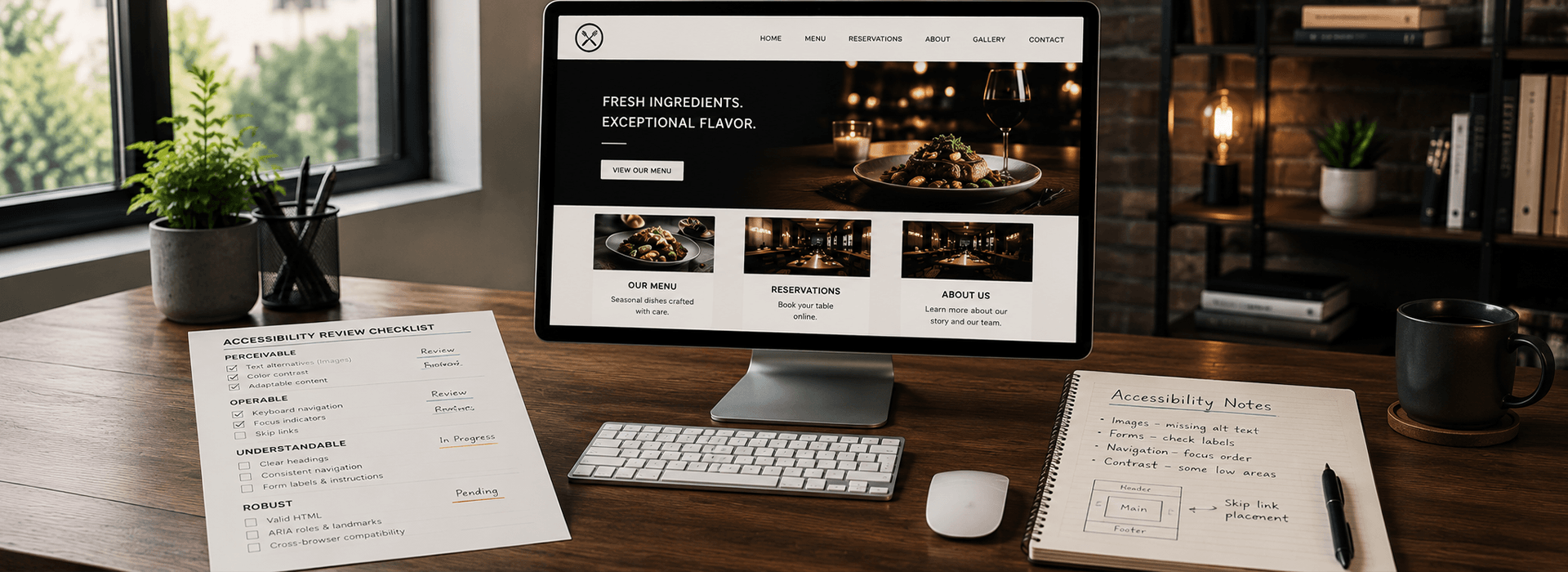
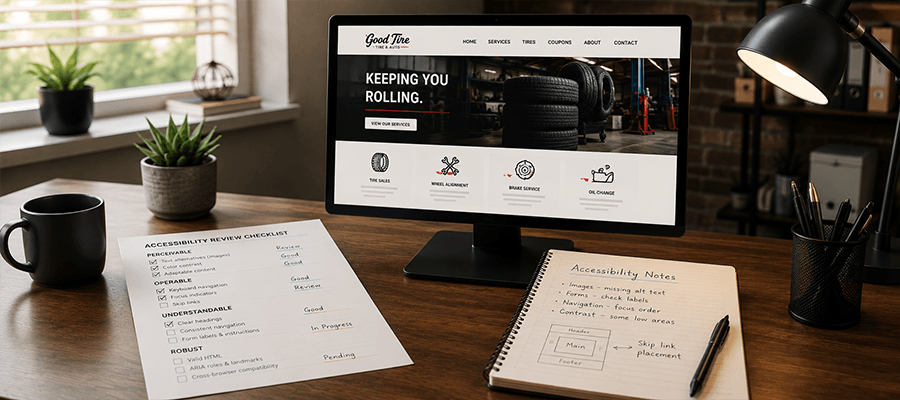
Imagine a small business owner who has a clean, professional-looking website. Customers visit every day, appointments are booked, and online orders come in regularly. From the owner’s perspective, everything appears to be working exactly as intended. What they may not realize is that some visitors experience the website very differently. Images may be missing alternative text, forms may not have properly associated labels, keyboard users may not be able to reach every feature, or certain text may not provide enough contrast for comfortable reading.
These are the types of accessibility barriers that have been alleged in real website accessibility complaints and lawsuits. They are often ordinary website issues that go unnoticed until someone specifically evaluates the site for accessibility.
An accessibility review helps identify these types of barriers and provides practical recommendations for improvement based on current recognized guidelines and best practices. While no review can guarantee legal compliance or prevent future claims, identifying and improving accessibility issues demonstrates a good-faith effort to make a website more accessible for everyone.
Who Creates Website Accessibility Standards?
The most widely recognized technical guidance for website accessibility is the Web Content Accessibility Guidelines, commonly called WCAG.
WCAG is developed through the World Wide Web Consortium, also known as the W3C. The W3C’s Web Accessibility Initiative brings together people from businesses, disability organizations, government agencies, research institutions, and technology companies to develop accessibility guidance. WCAG is a technical standard rather than a law by itself. However, governments, organizations, contracts, policies, and legal agreements frequently refer to WCAG when defining or measuring digital accessibility.
What Is WCAG?
WCAG stands for Web Content Accessibility Guidelines. It explains ways to make websites, applications, documents, and other digital content more accessible to people with disabilities.
WCAG is organized around four main principles. Accessible content should be:
- Perceivable:
Visitors must be able to receive the information being presented. - Operable:
Visitors must be able to navigate the website and use its controls. - Understandable:
The content, instructions, and operation of the website should be clear and predictable. - Robust:
The website should work reliably with current and future browsers, devices, and assistive technologies.
WCAG includes testable success criteria at Levels A, AA, and AAA. Level A addresses essential barriers. Level AA includes additional requirements and is the level most commonly referenced in accessibility policies and technical requirements. Level AAA contains the most demanding criteria and may not be achievable for every type of content.
Accessibility And ADA Compliance Are Not Exactly The Same
Website accessibility and ADA compliance are related, but they are not interchangeable terms. Accessibility describes whether people with disabilities can successfully access and use a website. Compliance refers to whether a business, organization, or public entity has met the legal or contractual requirements that apply to it. WCAG provides detailed technical guidance, while laws such as the Americans with Disabilities Act establish broader civil-rights responsibilities.
Because legal obligations can depend on the organization, industry, location, services offered, and other circumstances, website accessibility work should not be treated as a legal guarantee.
Are Accessibility Requirements Different By Location?
Yes. Digital accessibility requirements may vary depending on the country, state, industry, type of organization, source of funding, and audience being served.
In the United States, accessibility responsibilities may involve the Americans with Disabilities Act, Section 508 of the Rehabilitation Act, state laws, local requirements, government purchasing rules, contractual requirements, or industry-specific regulations. Section 508 primarily applies to federal agencies and certain information and communication technology used or obtained by the federal government. State and local governments have responsibilities under Title II of the ADA, while businesses open to the public may have responsibilities under Title III.
Other countries and regions may use their own laws while still referring to WCAG as a technical standard. Businesses serving customers in more than one location may need to consider more than one set of requirements. Questions about the law and how it applies to a specific organization should be directed to a qualified attorney.
Is My Business Required To Have An Accessible Website?
There is no single answer that applies to every website or every business. The answer can depend on what the organization does, where it operates, who it serves, whether it receives government funding, whether it contracts with government agencies, and which laws or policies apply.
Businesses that offer products or services to the public should take website accessibility seriously regardless of their size. Improving accessibility can reduce barriers, demonstrate a good-faith effort, and make the website more useful to more people. However, no website service can promise that a business will never receive a complaint or face legal action.
What Accessibility Issues Can Be Found?
Every website is different, and so are the accessibility issues it may contain. Some websites may have only a few minor concerns, while others may contain more significant barriers that affect how visitors navigate, understand, or use the site.
During an accessibility review, we examine the website for common problems as well as less obvious issues that may be overlooked during ordinary website testing. This includes concerns that may affect access to information, navigation, forms, interactive features, mobile use, and other important parts of the visitor experience. No two websites are exactly alike, which is why each review is based on the individual website rather than a short, generic checklist.
What Does An Accessibility Review Include?
An accessibility review looks at how the website is built, how its content is presented, and whether visitors can complete important tasks using different methods of navigation.
The exact review depends on the website and its features. Important pages and functions are given additional attention, including areas visitors rely on to learn about the business, make contact, submit information, schedule services, or complete other important actions. The review is intended to identify barriers that may affect the website’s usability and accessibility and determine which improvements may be appropriate.
What Do We Look For?
Accessibility involves much more than checking a few boxes or reviewing one part of a website.
We look for a wide range of issues that may not meet current accessibility guidelines or established best practices. This includes both common concerns and less obvious problems that may be missed during routine website development or automated testing. The review considers the website’s structure, content, navigation, images, forms, interactive features, mobile experience, and other areas that affect how visitors access and use the site.
What Happens During An Accessibility Project?
The process begins by reviewing the website, identifying its most important pages and functions, and evaluating the barriers that may affect visitors.
The findings are then organized so that serious and widespread problems can be addressed first. Corrections may involve editing content, improving HTML structure, adjusting colors, repairing forms, changing navigation behavior, adding labels, improving keyboard access, correcting mobile layout issues, and occasionally editing images to improve accessibility.
After the changes are made, the website is tested again to confirm that the improvements work as intended and that the corrections have not introduced new problems.
How Long Does The Process Usually Take?
The amount of time required depends on the size and condition of the website. A small informational website may require fewer corrections than an online store, membership system, booking platform, or website containing many forms, documents, videos, and third-party tools.
A review is normally needed before the amount of work and an appropriate project schedule can be determined.
Will My Website Look Different After Accessibility Improvements?
Many accessibility corrections can be made without substantially changing the website’s overall appearance. Improvements to page structure, alternative text, form labels, keyboard behavior, page titles, link wording, and code may not be visually obvious. Some visible changes may be recommended when the existing design creates a barrier. Examples include increasing color contrast, enlarging very small controls, improving text spacing, adding visible focus indicators, simplifying instructions, or making error messages easier to identify.
The goal is not to remove the website’s identity. The goal is to preserve its design while making its content and functions easier for more people to use.
Accessibility Is About Usability
Accessibility should not be viewed only as a list of technical requirements. A technically correct page can still be confusing, while a simple and thoughtfully organized page may be easier for many people to use. Clear language, consistent navigation, descriptive headings, understandable forms, and predictable behavior are all part of a better user experience.
The most useful question is not simply whether a page passes a test. It is whether visitors can understand the information and complete the tasks they came to perform.
Accessibility Helps More Than People Using Assistive Technology
Accessibility improvements often solve everyday usability problems. Captions can help someone watching a video in a noisy room. Strong color contrast can help a person using a phone outdoors. Keyboard access can help someone with an injured hand. Clear form instructions can help anyone who is distracted or unfamiliar with the process.
Designing for different abilities and situations often produces a website that is more flexible and easier for everyone to use.
Accessibility Is An Ongoing Process
A website changes over time. New pages are added, images are replaced, forms are updated, plugins change, themes receive updates, and outside services may alter their code. Any of those changes can introduce new accessibility barriers.
Accessibility standards and legal requirements may also change. A website that was reviewed previously should not automatically be assumed to remain unchanged or free of new issues. Continued attention to accessibility is part of maintaining a useful website. New content should follow the same accessible practices used during the original project.
What About Third-Party Tools And Services?
Many websites rely on outside tools such as appointment systems, payment processors, maps, chat widgets, reservation platforms, social-media feeds, forms, and embedded videos. These tools may create accessibility barriers even when the main website has been improved.
Access to third-party code is often limited. A website owner may be able to change how a tool is introduced or labeled without being able to repair the tool itself. When a third-party feature cannot be corrected directly, alternatives may include contacting the provider, replacing the service, offering another method of completing the task, or clearly explaining how visitors can receive assistance.
What About PDFs And Downloadable Documents?
Accessibility does not stop with the visible web page.
Menus, brochures, applications, price lists, reports, instructions, and other downloadable documents may also need to be accessible. A PDF that visually appears correct may still lack headings, reading order, alternative text, form labels, document language, or other information required by assistive technology. In some situations, presenting the same information as an accessible HTML page may provide a better experience than relying only on a downloadable document.
What About Privacy, Cookies, And Accessibility?
Accessibility, privacy, and cookie compliance are separate areas, but they can overlap in the way visitors interact with a website.
Cookie banners, privacy preference tools, consent forms, and account controls must still be usable by keyboard and assistive-technology users. A visitor should not be prevented from using a website because a consent window cannot be reached, understood, or closed.
Accessibility improvements do not automatically make a website compliant with privacy laws, and privacy tools do not automatically make a website accessible. Each area requires separate review.
Common Accessibility Myths
My Website Is Too Small For Accessibility To Matter
Even a small website can contain barriers that prevent someone from reading important information, contacting the business, or using a form.
Accessibility Only Matters To Large Companies
People with disabilities use businesses of every size. A visitor’s need for accessible information does not change according to the size of the business.
A High Accessibility Score Means The Website Is Fully Accessible
Testing tools can identify certain technical issues, but no single score can evaluate every accessibility requirement or every visitor’s experience.
An Accessibility Widget Fixes Everything
An overlay or toolbar may offer visitors additional controls, but it does not automatically repair problems in the website’s structure, forms, navigation, content, or third-party features.
Accessibility Will Ruin The Design
Most improvements can be incorporated while preserving the website’s visual identity. Good accessibility and good design can support one another.
Once The Website Is Fixed, It Will Stay Accessible Forever
New content, updates, plugins, themes, and outside services can introduce new barriers. Accessibility requires continued attention as the website changes.
Accessibility Guarantees That A Business Cannot Be Sued
Improving your website’s accessibility can reduce barriers for visitors, improve usability, and demonstrate a good-faith effort to make your website more inclusive. However, no accessibility service, consultant, software, or company can guarantee that a business will never receive a complaint, demand letter, or legal action. Our role is to identify common accessibility issues, explain our findings, and help improve your website based on recognized accessibility guidelines and best practices. We do not provide legal advice, legal opinions, or legal guarantees.
If you have questions about your legal obligations, compliance requirements, or potential legal risks, we strongly recommend consulting with a qualified attorney who is familiar with website accessibility and the laws that apply to your business and location.
Accessibility Is An Ongoing Process
Website accessibility is not a one-time certification or guarantee. Websites evolve over time as new content is added, features change, software is updated, and accessibility standards continue to develop. Our goal is to help identify accessibility issues, recommend practical improvements, and put your website on the right path based on current recognized guidelines and best practices. As your website grows and standards evolve, additional reviews and improvements may be beneficial.
Frequently Asked Questions
Does Every Website Need The Same Accessibility Changes?
No. The necessary changes depend on the website’s content, design, platform, features, and existing condition.
Can Accessibility Be Checked With One Tool?
No single testing method can identify every barrier. A complete review considers the website’s code, content, design, navigation, features, and overall usability.
Does Accessibility Only Apply To Desktop Websites?
No. Websites should remain usable across desktop computers, laptops, tablets, phones, different screen sizes, and supported orientations.
Are Mobile Apps Included In Digital Accessibility?
Yes. Mobile applications can create many of the same barriers as websites and may be subject to accessibility standards or legal requirements.
Do All Videos Need Captions?
Videos containing speech or meaningful audio generally need an accessible alternative such as accurate synchronized captions. Additional description may be needed when important information is communicated only visually.
Can Third-Party Features Be Reviewed?
Yes, but the ability to correct them may be limited when the code is controlled by an outside provider.
Can A Website Be Guaranteed To Be Completely Accessible?
Accessibility can be substantially improved and tested against recognized standards, but websites, technologies, user needs, and requirements continue to change. Absolute guarantees should be treated with caution.
Does ClicksNY Provide Legal Advice?
No. ClicksNY provides website accessibility review and remediation services. We are not attorneys and do not provide legal advice, legal opinions, or guarantees against complaints or lawsuits.
Helpful Accessibility Resources
The following organizations provide official standards, guidance, and educational material about digital accessibility:
W3C Web Accessibility Initiative • Web Content Accessibility Guidelines (WCAG) 2.2 • WCAG 2.2 Quick Reference • ADA.gov Web Accessibility Guidance • Section508.gov
Ready To Take The Next Step?
Every website is different. The pages, platform, content, forms, navigation, and outside services all affect the type and amount of accessibility work that may be needed.
Explore our service and pricing options to learn how ClicksNY can help identify accessibility barriers and improve your website for more visitors.